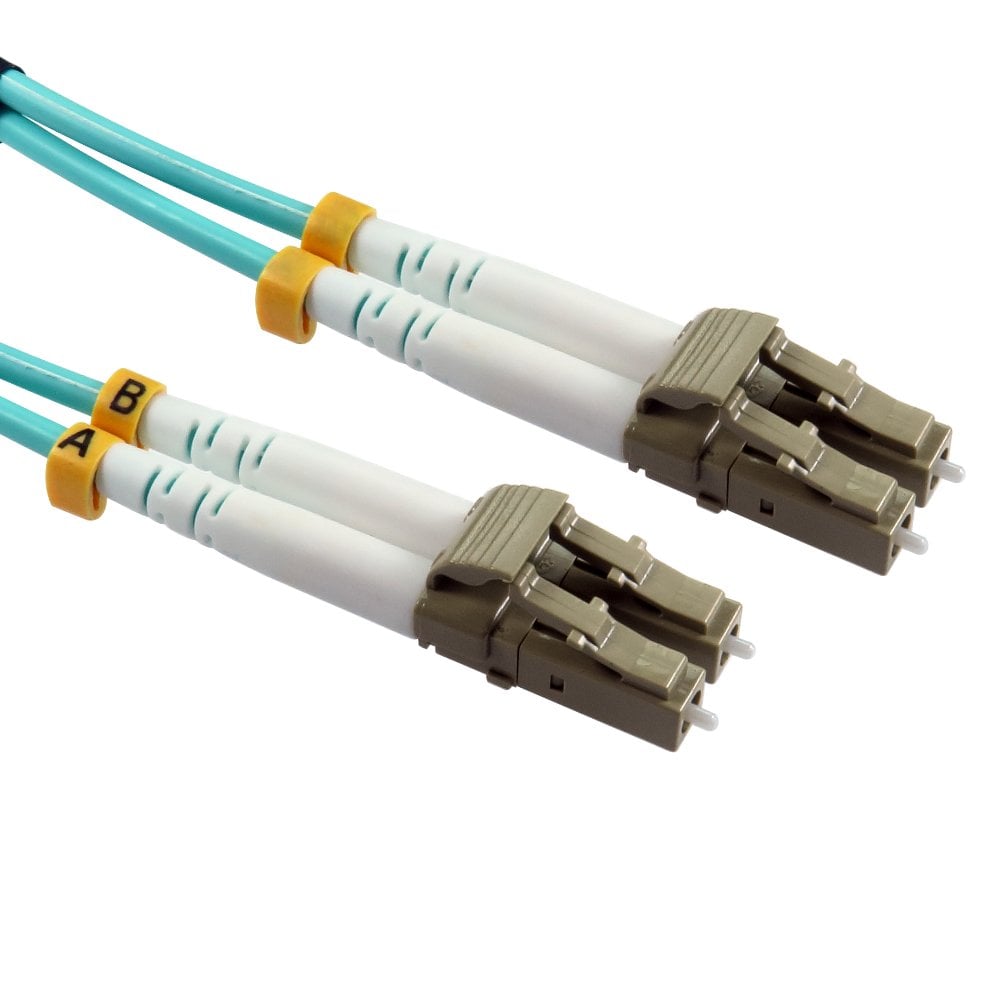
Fibre Optic Network Cable, OM1, OM2, OM3, OM4
Duplex fibre optic patch leads in multimode OM1, OM2, OM3, OM4 and OM5 and OS2 single mode, with LC, SC, ST and FC connectors in lengths from 0.3m to 50m, plus MPO trunk and fanout cables, fibre patch panels, adapters and pigtails. Please select a fibre category below. Not sure which you need? Read our fibre optic cable buying guide.
Shop by type
 LC to LC Fibre Optic Cable148 products
 LC to SC Fibre Optic Cable57 products
 LC to ST Fibre Optic Cable46 products
 OM3 LC-LC 50/125um37 products
 OM3 LC-SC 50/125um18 products
 OM3 SC-SC 50/125um16 products
 OM3 ST-LC 50/125um19 products
 OM3 ST-SC 50/125um14 products
 OM3 ST-ST 50/125um13 products
 OM4 Fibre Cables121 products
 SC to SC Fibre Optic Cable36 products
 ST to SC Fibre Optic Cable32 products
 ST to ST Fibre Optic Cable32 products
 OM4 Erika Violet Fibre Cables22 products
 OM5 Fibre Cables10 products
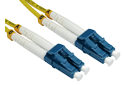 OS2 Single Mode Fibre Cables97 products
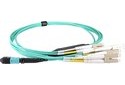 MPO Fibre Cables35 products
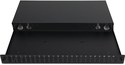 Fibre Patch Panels & Adapters16 products
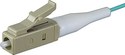 Fibre Pigtails11 products
Popular in Fibre Optic Network Cable
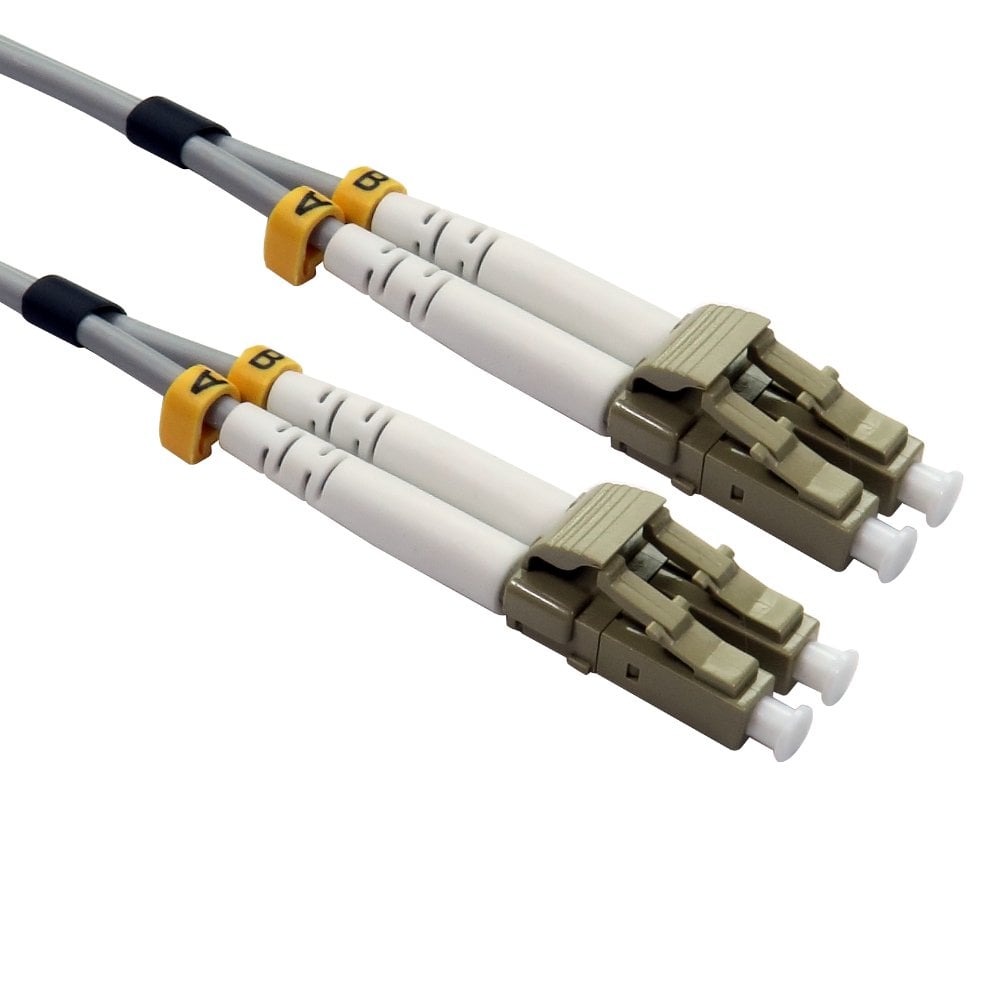
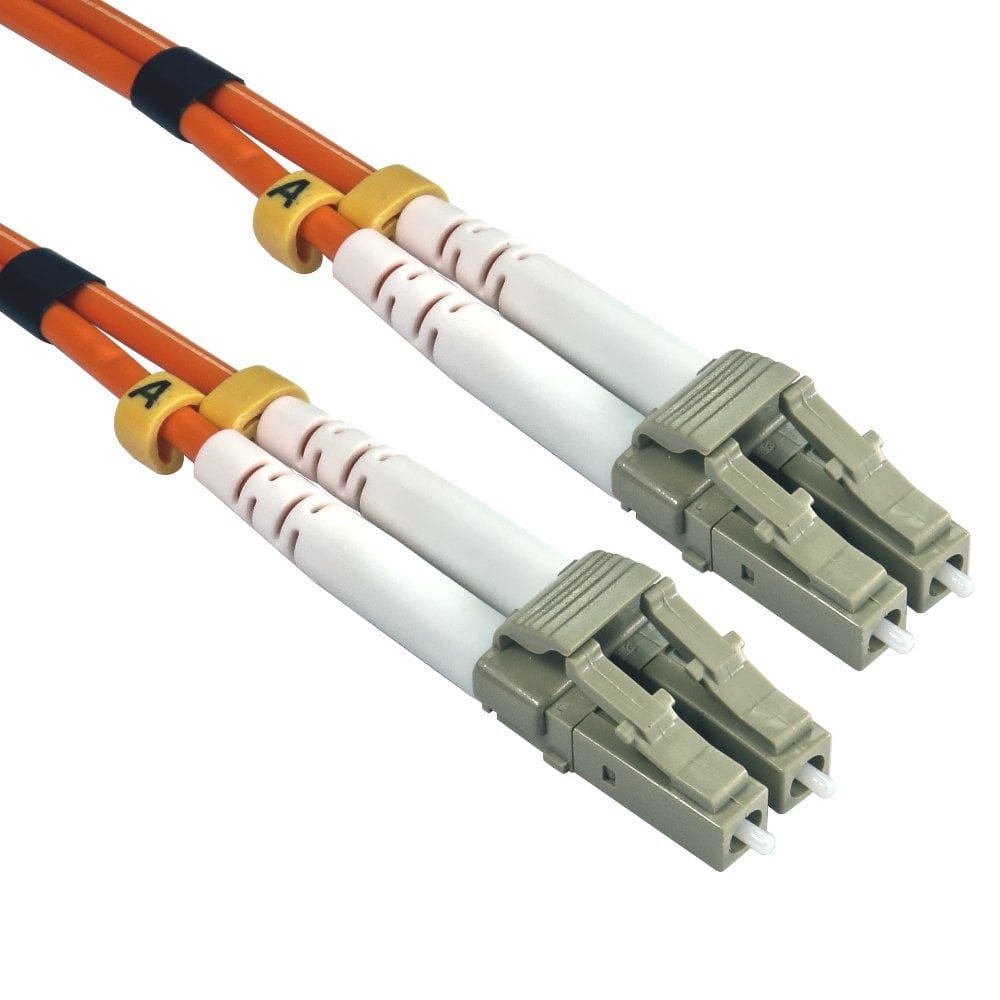
Fibre Optic Cable Buying Guide
To choose the right fibre patch lead you need to know three things: the fibre grade (OM1 to OM5 multimode, or OS2 single mode), the connector at each end (LC, SC or ST) and the length. Our patch leads are duplex, with two fibres, one to transmit and one to receive.
OM1, OM2, OM3 or OM4?
Multimode fibre is graded OM1 to OM5; the newest grade, OM5, works like OM4 and adds support for short-wave multiplexing. The grade sets how far a signal can travel at a given speed, and the core size must match your existing cabling and equipment.
| OM1 | OM2 | OM3 | OM4 | |
|---|---|---|---|---|
| Core / cladding | 62.5/125um | 50/125um | 50/125um | 50/125um |
| 1 Gigabit up to | 275m | 550m | 550m | 550m |
| 10 Gigabit up to | 33m | 82m | 300m | 400m |
| Our jacket colour | Grey | Orange | Aqua | Aqua |
For new installations and 10 Gigabit links, choose OM4 or OM3, which are laser-optimised for higher speeds over longer distances. OM1 and OM2 are mainly used to extend or repair older installations.
Match the core size. OM1 has a 62.5um core while OM2, OM3 and OM4 have a 50um core. Never mix 62.5um and 50um fibre in the same link, as the mismatch causes high signal loss. The 50um grades can be used together, but the link will only perform to the lowest grade. If you are adding to existing cabling, check the grade printed on the cable or the patch panel.
LC, SC or ST connectors?
- LC - a small push-and-click connector used on SFP modules, modern switches and high-density patch panels. The most common choice for new equipment.
- SC - a larger square push-pull connector, common on media converters, older switches and patch panels.
- ST - a round bayonet connector that twists to lock, found on older equipment and installations.
Check the ports at each end of the link and choose a cable with the matching connectors, for example LC to SC to connect a switch SFP module to an SC patch panel, or LC to LC to connect two modern switches.
Multimode or single-mode?
Multimode fibre is used for links within buildings, server rooms and data centres. Single-mode fibre (usually with a yellow jacket) is used for long-distance links and needs single-mode cables and transceivers; we stock it in OS2 grade. Multimode and single-mode cannot be mixed, so check your equipment or give us a call if you are not sure which you have.
LSZH low smoke zero halogen
Almost all of our fibre cables have an LSZH jacket that gives off very little smoke and no toxic halogen gases if it catches fire, making them suitable for offices, public buildings and data centres.
Fitting and handling tips
- Keep the dust caps on until you connect the cable, and clean the connector ends if they have been exposed. Dirt on the fibre end is the most common cause of a poor link.
- Don't bend fibre cables tighter than their minimum bend radius or pull them tight around corners.
- If a new link doesn't come up, the transmit and receive fibres may be crossed. Try swapping the two connectors at one end.
- Never look into the end of a fibre or a transceiver port, as the light can damage your eyes.
Frequently asked questions
Can I use OM4 cables with OM3 equipment?
Yes. OM3 and OM4 both have a 50um core and the same connectors, so they work together; the link performs to OM3 standard.
Can I connect OM1 and OM3 cables together?
No. OM1 has a 62.5um core and OM3 a 50um core, and joining them causes high signal loss. Match the grade of your existing cabling.
Why use fibre instead of an ethernet cable?
Fibre carries 10 Gigabit and faster over much longer distances than copper ethernet, which is limited to 100m, and it is not affected by electrical interference.
Need help choosing? Call our team on 0207 100 6326 and we will be happy to advise.